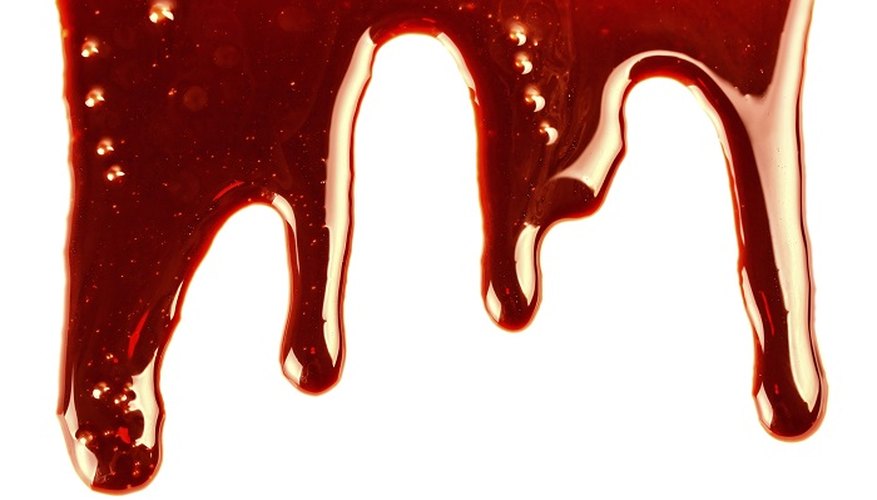
Tomato ketchup alone does not make very realistic-looking blood -- it's too red and too thick to look authentic. A blob of ketchup alone can give someone a fright, especially in unexpected ways, such as to simulate getting cut with a kitchen knife. For maximum effect, however, use ketchup combined with other ingredients to make the blood look realistic. There is a basic formula for ketchup blood, but you will need to modify the recipe based on how you plan to use the blood. Add water to make the blood runnier and use syrup for a more congealed look.
- Tomato ketchup alone does not make very realistic-looking blood -- it's too red and too thick to look authentic.
- There is a basic formula for ketchup blood, but you will need to modify the recipe based on how you plan to use the blood.
Mix about a half cup of ketchup and a half cup of pancake or golden syrup in a blender. Blend the two materials together on low until the two ingredients are thoroughly mixed.
Add about 1 tbsp of cocoa powder to the mixture to add the rust colour often associated with blood. Mix on low for about a minute to blend all ingredients.
Test the thickness of the blood with a large spoon. Dip the spoon into the blood mixture. The blood should run off the spoon quickly, but have a slightly sticky appearance. If necessary, add about a quarter cup of water to the mixture to make it less sticky.
Store the blood in the refrigerator for up to one week. Allow the blood to warm to room temperature before using. Stir with a spoon to remix the ingredients if they have separated while in the refrigerator.
- Add about 1 tbsp of cocoa powder to the mixture to add the rust colour often associated with blood.
- Stir with a spoon to remix the ingredients if they have separated while in the refrigerator.