Based out of the United Kingdom, Sky Broadband offers a free wireless router for anyone using their Internet service. The router gives home users the ability to send their Internet signal wirelessly to multiple computers. If you set up a home network without security, anyone within close range can connect to your network. WPA is a security measure that requires a password before a user can access the network. If you have forgotten the WPA key or want to change it, you can access the security settings by connecting to your Sky Broadband router.
- Based out of the United Kingdom, Sky Broadband offers a free wireless router for anyone using their Internet service.
- If you have forgotten the WPA key or want to change it, you can access the security settings by connecting to your Sky Broadband router.
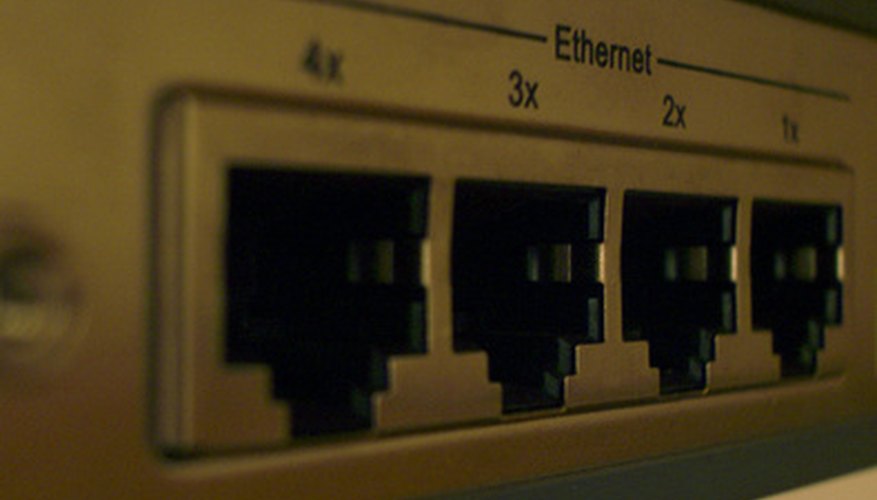
Connect a computer to the Sky Broadband router using an Ethernet cable. Your computer should have an Ethernet port on the side or back. Plug the other end of the cable into one of the numbered ports on the back of the router.
Open your Internet web browser and type "http://192.168.0.1" into the address blank.
Enter in the username and password at the security screen. The default username is "admin" and the default password is "sky" or "password" depending on the router model.
Click the "Wireless Settings" link on the left-hand pane.
Look at the bottom of the page for the security settings. If WPA security is enabled, the security key will be listed.
TIP
If you are already connected to the network, you don't need to physically connect to the router. If you can't connect because you don't know the WPA key, then you will need to use the Ethernet cable as mentioned.