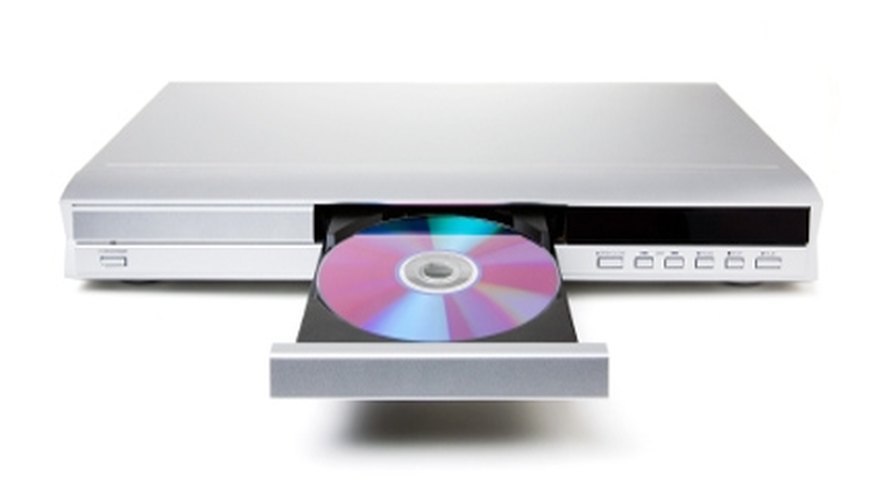
It's incredibly frustrating when you're ready to watch or remove a movie, but the drawer of your DVD player won't open. Here's how to fix a stuck DVD drawer and rescue your movie.
- It's incredibly frustrating when you're ready to watch or remove a movie, but the drawer of your DVD player won't open.
Turn off your DVD player. You do not want to risk electrical shock while working with it.
Locate your DVD player's manual Eject button. It is usually a small hole located underneath the DVD drawer.
Insert a stiff wire-such as a paperclip or safety pin-into the hole. Push gently and the drawer should open partway. Gently pull the drawer the rest of the way open.
Remove the DVD and see if there is a problem with it. Most DVD player drawers get stuck when a DVD is warped or the label is starting to peel. If the DVD is warped, discard it. If the label is peeling, remove the label.
Turn your DVD player back on. If it gets stuck again on a different DVD, then the problem may be with your DVD player rather than with your DVDs.
TIP
Inspect all DVDs before inserting them into your DVD player. If you notice a peeling label or a warped DVD ahead of time, it will save you time in troubleshooting later. Check the manufacturer's Web site for your particular DVD player. Sometimes they will have a troubleshooting page with hints and tricks for common DVD player problems. You can also try unplugging your DVD player and waiting a few minutes. Then plug it back in and see if the drawer will open.
WARNING
Do not try to take apart your DVD player. If you open up your DVD player, you risk voiding your warranty. If you do not plan on getting it fixed and just want to retrieve your DVD, then you could take it apart gently and discard all parts.