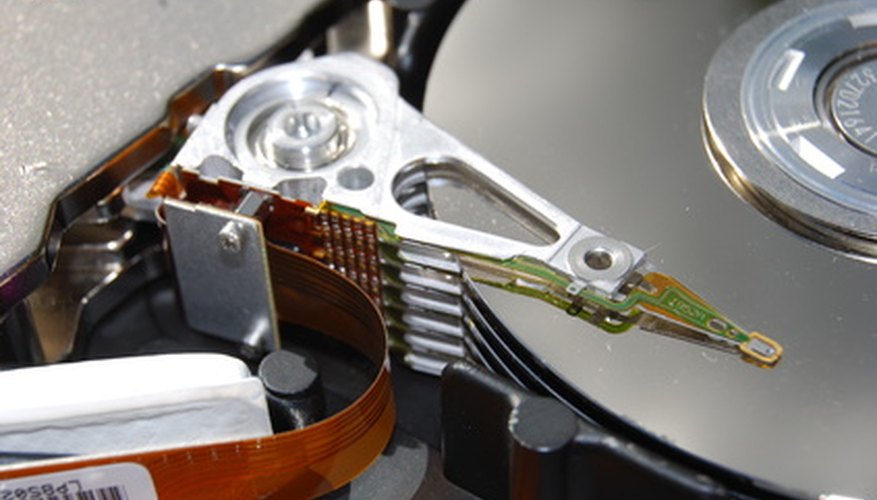
SATA and IDE are two connection types computers use to connect to devices such as hard drives and disc drives. SATA, being the newer technology of the two, performs better than IDE in most areas of comparison. However, computers often support both connections and there are advantages to having support for both.
Speed

The fastest IDE devices are able to transfer data at 133 Megabytes per second (MBps) while SATA I, II and III are able to transfer data at 150 Mpbs, 300 MBps, and 600 MBps respectively. Additionally, SATA devices get an individual cable so they don't have to share bandwidth like IDE devices that are sharing a cable. However, the speed difference between SATA I and IDE is relatively small. Additionally, an optical disc drive or hard drive may not be fast enough to take advantage of SATA's higher speed and IDE may be sufficient for the device's use.
- The fastest IDE devices are able to transfer data at 133 Megabytes per second (MBps) while SATA I, II and III are able to transfer data at 150 Mpbs, 300 MBps, and 600 MBps respectively.
- Additionally, an optical disc drive or hard drive may not be fast enough to take advantage of SATA's higher speed and IDE may be sufficient for the device's use.
Jumpers
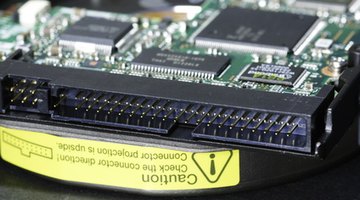
IDE devices have jumpers the computer uses to differentiate between multiple devices sharing a cable. The devices need to be configured as "slave" and "master" in order for both devices to work. SATA devices use their own cables so there is no need for jumpers with the technology.
Cable Size
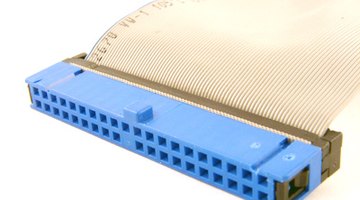
While IDE devices use a 40-pin connection, SATA devices use a seven-pin connection. The fewer number of pins makes the SATA cable significantly smaller. The SATA International Organization argues that the smaller SATA cable makes it easier to navigate the cable between connections and helps improve airflow in the computer.
Cable Count
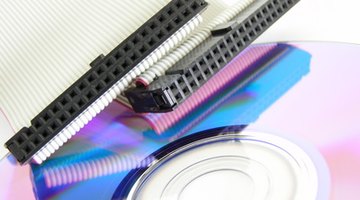
IDE devices require fewer cables than SATA devices because the IDE cables can connect to two devices.
Power Requirements
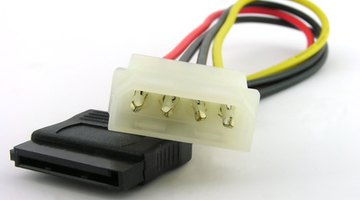
SATA devices use less electricity than IDE devices. Additionally, certain adaptors that change a Molex (the power connection for IDE devices) connection in to SATA power connection may connect to two SATA devices. Some SATA devices are compatible with Molex power.
Current Technology
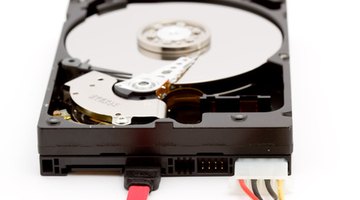
While a wide number of devices use IDE connections, as of June 2010, the commercial availability of such devices is diminishing. Additionally, the faster and larger modern hard drives are only available with SATA connections and Blu-ray drives are only available in SATA.
Legacy Support
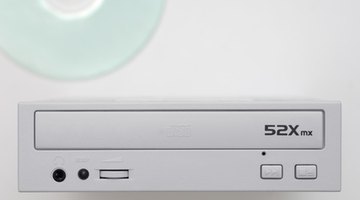
While newer technology prefers SATA connections, IDE is compatible with older devices. An adaptor is needed to connect an IDE device to a SATA connection. IDE can be useful to attach an old hard drive or disc drive to the computer. Additionally, using an IDE connection to connect a slower device can free up a SATA connection for use by another device.
- While newer technology prefers SATA connections, IDE is compatible with older devices.
- An adaptor is needed to connect an IDE device to a SATA connection.